From a work order to the equipment itself.
Give maintenance teams facility-wide context for work orders, preventive maintenance, downtime, and the assets that need attention.
Connect maintenance priorities to the actual equipment and its location—not just another row in a work order list.
Explore Guardian with us ↗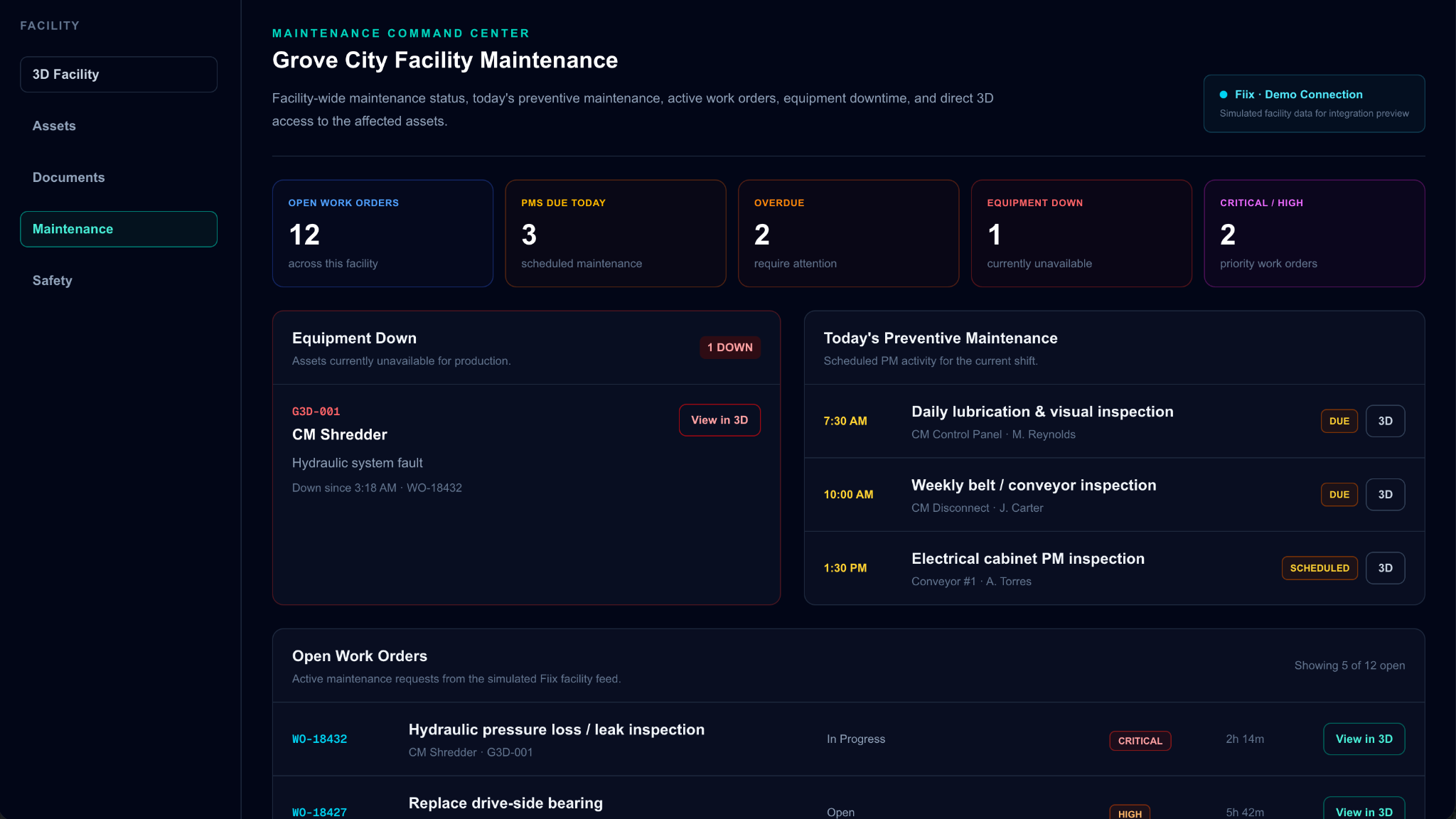
Actual Guardian interface • Simulated Fiix integration data • Demonstration environment
From captured spaces to engineering workflows.
Use the 3D facility as a visual reference for equipment placement, contractor coordination, renovation discussions, and existing-condition reviews.
When a project requires more than a walkthrough, Guardian can scope point-cloud exports and CAD-compatible deliverables separately—giving engineering teams source data to work from.
Deliverable formats, survey requirements, and accuracy expectations are defined for each engagement.
Maintenance information with spatial context.
The pictured Fiix connection uses simulated demonstration data. Live integrations depend on customer systems, access, and implementation scope.
Review work orders and maintenance priorities across the facility in a single view, with equipment context close at hand.
See scheduled preventive maintenance alongside the equipment it relates to, helping teams plan upcoming work.
Identify equipment marked down, understand the associated issue, and locate the affected asset within the facility.
Move from an equipment record or maintenance item into its physical location in the 3D environment, instead of searching through separate floor plans.
Put your facility in context.
Let's talk about the spaces, equipment, and workflows that matter to your team.
Request a Demo ↗